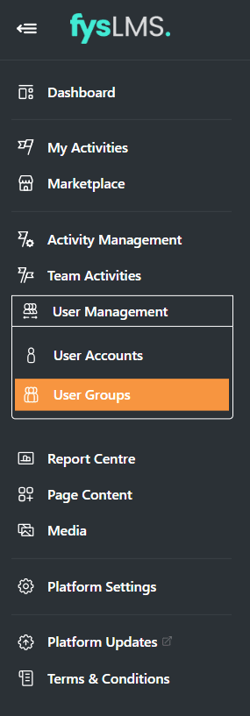
- Select the "User Management" tab located in the left navigation bar, and then select the "User Groups" sub tab in its dropdown bar.
- Select the greyed out toggle directly under the "Create User Group" button on the top right of the page.

- You will know this has been set up correctly once the toggle changes to your brands colour and the below prompt appears on screen.

- When enabled, users can now go into their profile and edit what User Group they are a part of on the platform. The ability to create new groups, rename existing or delete user groups will still be restricted to specific admin accounts.
English