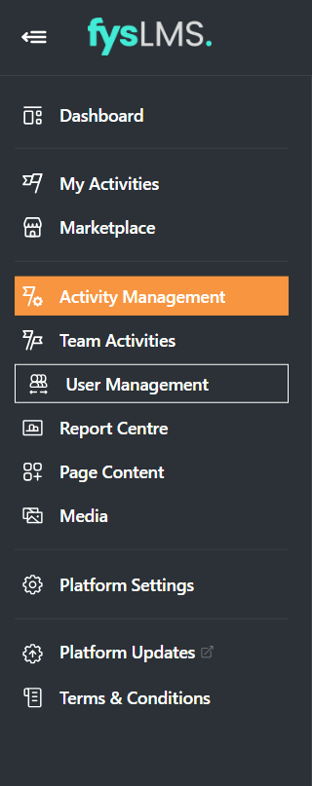
- Select the "Activity Management" tab on the left Navigation menu.
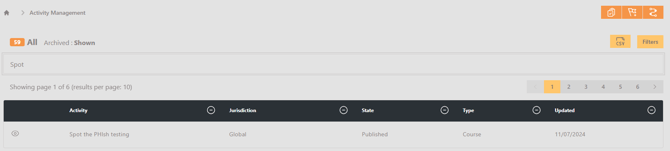
- Use the search bar to locate the desired activity you would like to change the Assignment Details for.
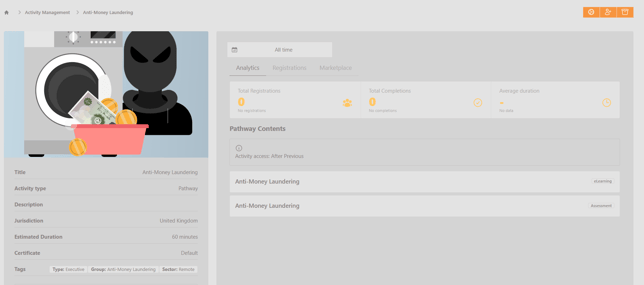
- Select k the "Registrations" sub menu and select any user whose Assignment Details you would like to update.
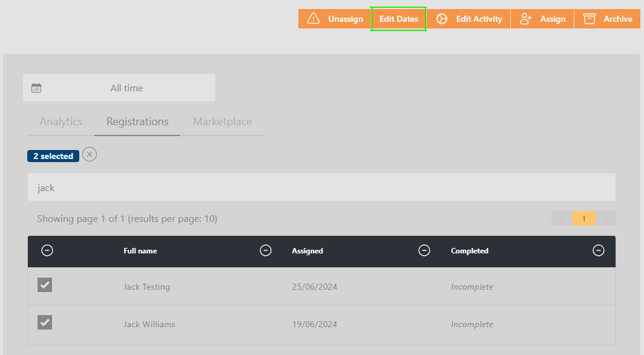
- With all desired user's selected, select the "Edit Dates" button on the top right of the screen.
- Input the new assignment dates you wish to use for these users, Select 'Update'.
If you want to send a message to users, you can enable and customise the message by selecting the "Send Message" toggle seen below. This is off by default.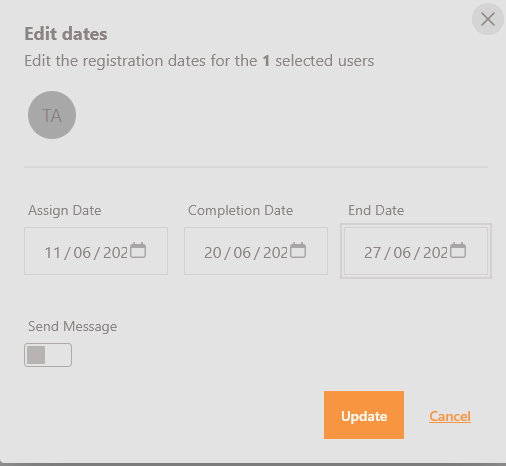
- You will now be able to see the new dates for the users on the Registrations table
English