
Allocating a user Brand Admin rights will allow them to access all features available from within the platform.
- Select the "User Management" tab located in the left navigation menu and then the "User Account" tab on its dropdown box.
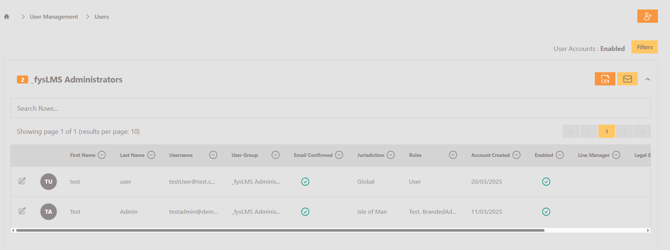
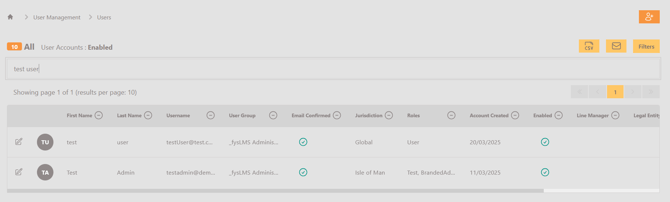
- Using the search bar on the page, locate the desired user and select the icon to the left of their image to open their User Details page.
- Scroll to the bottom and select the "Brand Administrator" toggle to grant the account Brand Admin privileges.

- Select the "Update" button to save the changes.