- Select the "Team Activities" tab located in the left navigation menu.

- Select the "Filters" button on the top right.
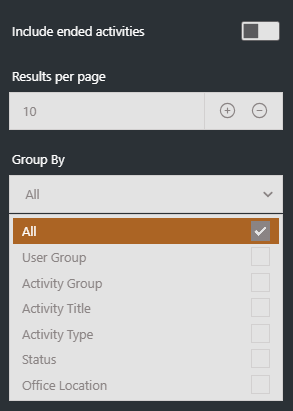
- Select the "Status" group by filter and then its "Registered" sub group.

- If you would then like this information as a excel file, click the 'CSV' button.
English