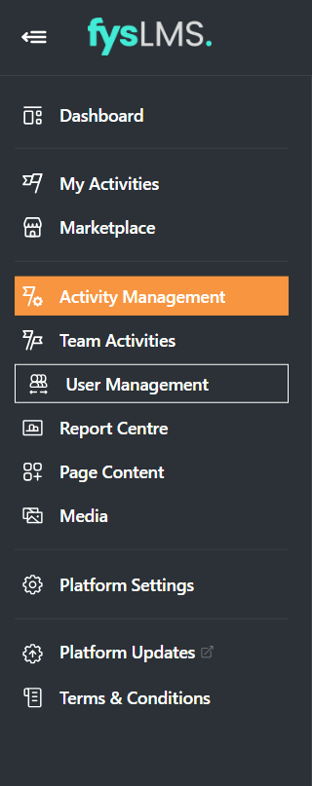
- Select the "Activity Management" tab on the left Navigation menu.
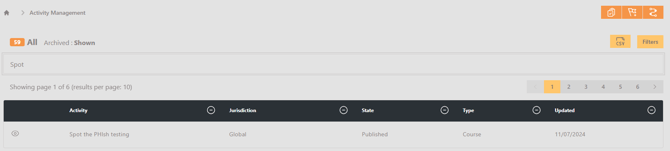
- On the Activity Management page, use the search bar to locate the desired activity you want to change the Assignment Details for.
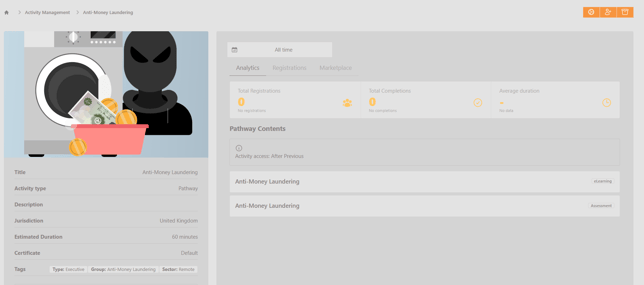
- Select the "Registrations" sub-menu and select any user whose assignment details you would like to update.
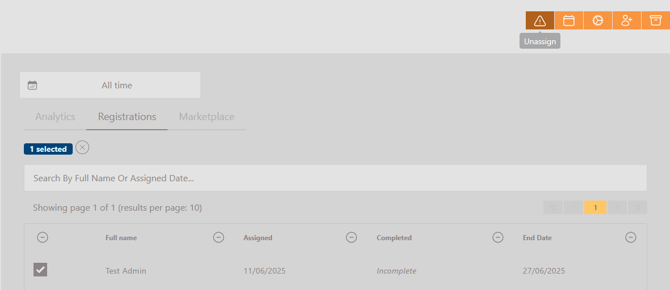
- With all desired user's selected, select the 'Unassign' button on the top right of the screen.
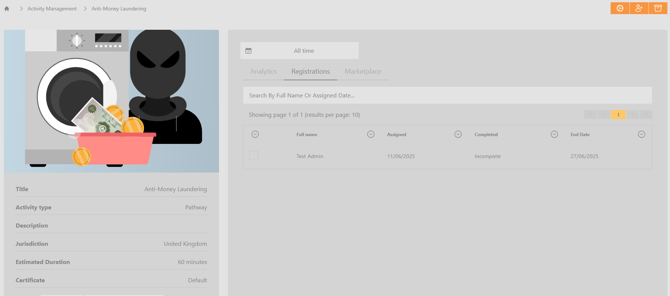
- Once the button is selected, the users will have the instance of the activity assignment removed from their account and no longer have access to the activity.