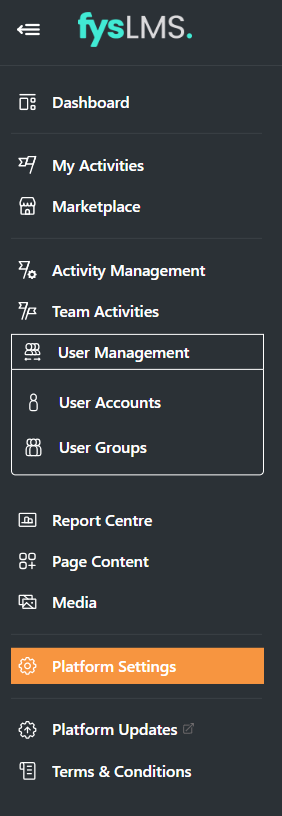
- Select the "Platform Settings" tab on the left navigation menu.
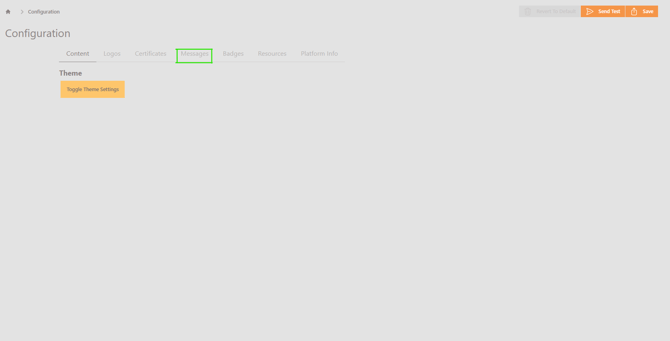
- Select the 'Messages' tab.
- On this page, you can set the activity reminder schedules for the first and second reminders on the platform, by default, 3 and 5 days before the due date is set.
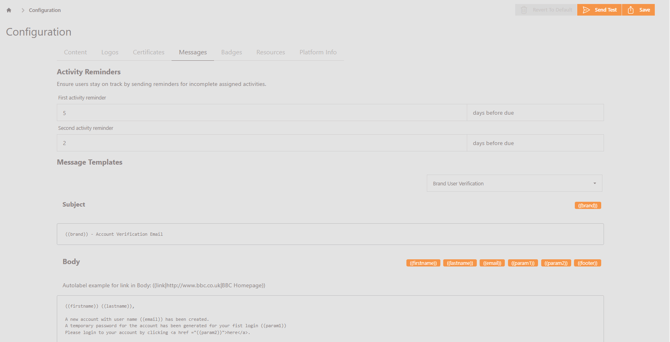
- Select "Save" once any changes have been made.
English