
All your learning activities will appear here as soon as they're linked to your account. These activities will be available in several different formats:
- E-learning – Online courses using various authoring tools, tracked by page views or quiz results.
- Assessments – Multiple choice questions in different formats to monitor knowledge and understanding.
- Videos – Educational videos as standalone activities, marked complete when fully watched.
- Documentation – PDFs uploaded as individual activities, completion confirmed after all pages are read.
- Audio – Podcasts or audio files delivered independently, completion triggered after listening in full.
- Pathways – Combine different activity types into a learning journey; if applied, users must complete prerequisite activities before progressing, and the pathway is marked complete only when all activities are finished.
The interface consists of two sections: Active and Finished. Activities that are ongoing will remain in the Active section, while those that have been completed will be moved to the Finished section.
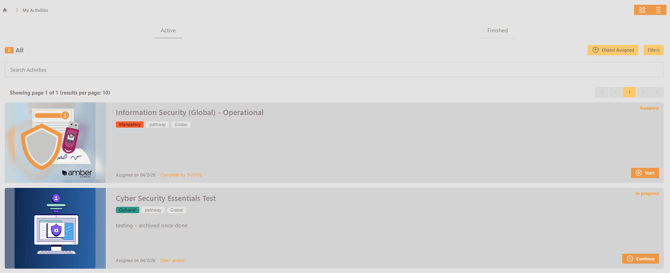
By default, all open-ended activities are visible. To exclude these from view, select the filter button and enable the ‘Exclude open ended activities’ toggle.