![MetisLogo_Filled_Short.png]](https://www.metis.support/hs-fs/hubfs/MetisLogo_Filled_Short.png?height=50&name=MetisLogo_Filled_Short.png)
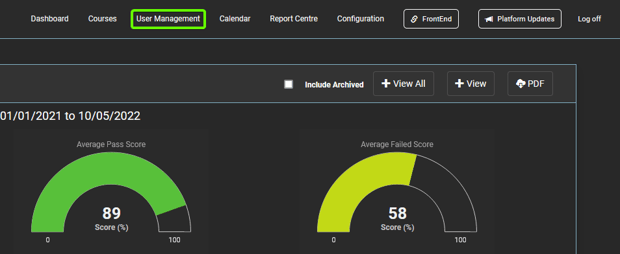
1. After logging into your "Administration" site, click "User Management" in the top navigation.
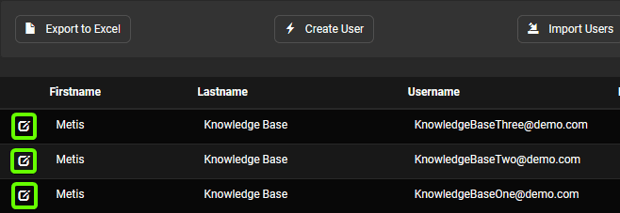
2. Once on this tab, select the user whose details you wish to update.
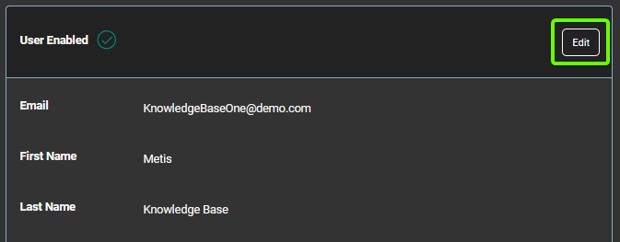
3. From here, you can make changes to this user's profile by clicking the "Edit" button.
4. Make the necessary changes to this profile and then click "Update".
5. If you need to make changes to this user's email address, please click this link to find a guide on how to update email addresses.