![MetisLogo_Filled_Short.png]](https://www.metis.support/hs-fs/hubfs/MetisLogo_Filled_Short.png?height=50&name=MetisLogo_Filled_Short.png)
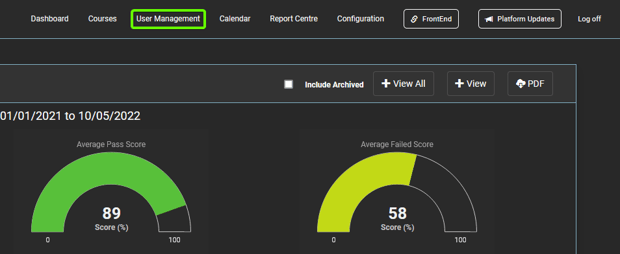
1. After logging into your "Administration" site, click "User Management" in the top navigation.
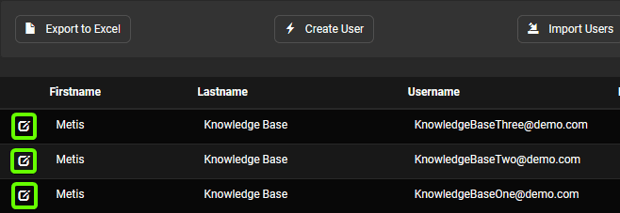
2. Once on this tab, select the specific user you wish to reset the password for.
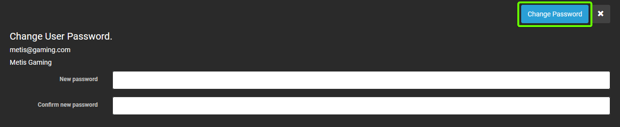
3. After selecting the user, select the "Reset Password" button located in the navigation bar.

4. From here, insert the password of your choice. You can set this password to be as strong as you wish - hints on how to set a strong password can be found at this link.
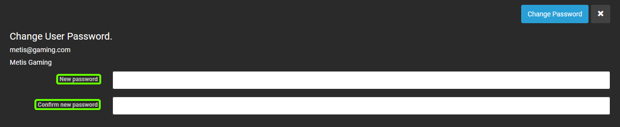
5. After inputting a new password, click "Save" to save your changes.