![MetisLogo_Filled_Short.png]](https://www.metis.support/hs-fs/hubfs/MetisLogo_Filled_Short.png?height=50&name=MetisLogo_Filled_Short.png)
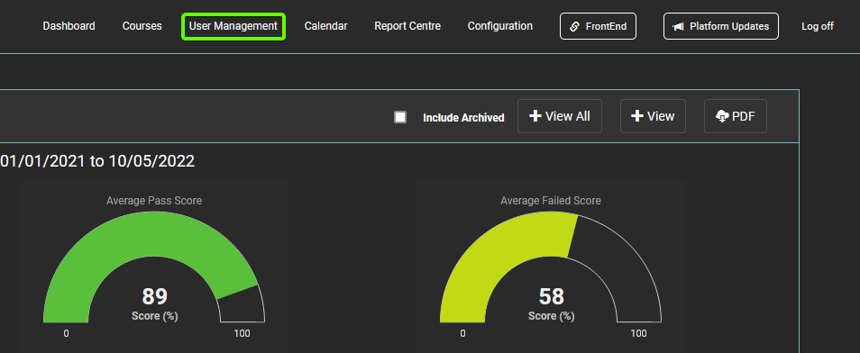
1. After logging into your "Administration" site, select the "User Management" tab.
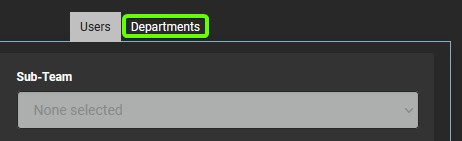
2. Select "Departments" in the navigation bar.
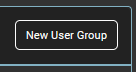
3. From here, select "New User Group" located on the right-hand side of the page.
4. Insert your new department name in the pop-up provided.
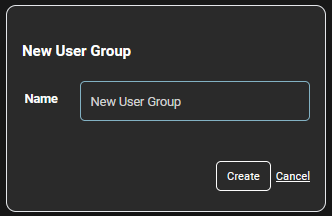
5. Click "Create" located on the pop-up. This department will now appear in the list on the left-hand side of the "Departments" page.