![MetisLogo_Filled_Short.png]](https://www.metis.support/hs-fs/hubfs/MetisLogo_Filled_Short.png?height=50&name=MetisLogo_Filled_Short.png)
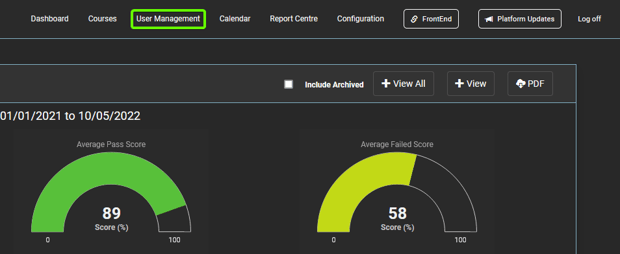
- After logging in to your "Administration" site, select the “User Management” tab located in the top navigation.
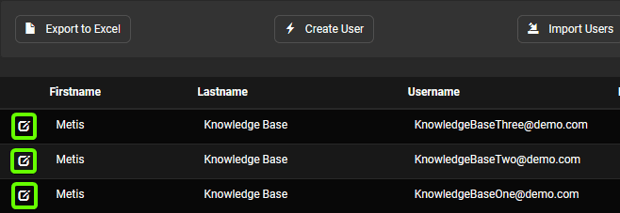
- On the “User Management” tab, use the search function to find the selected user and click into their profile.
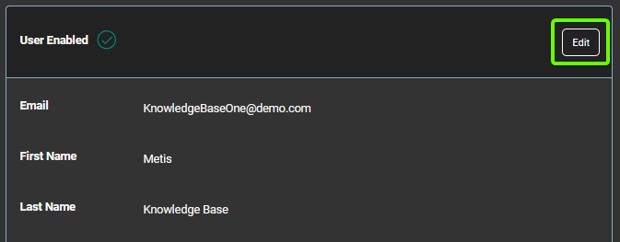
- Once in the profile you wish to amend, select “Edit” to make changes to their details.
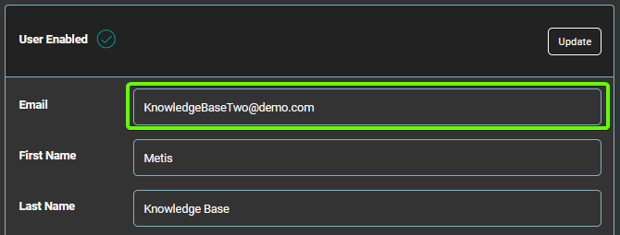
- After making the necessary amendments to the email address, click “Update” to update the user profile.
- Select “Resend Confirmation Email” to email the updated username with temporary password and login details. This can only be done for users who have not yet logged in to the platform.

- You will receive a notification to confirm the email has been sent. This can only be done for users who have not yet logged in to the platform.