![MetisLogo_Filled_Short.png]](https://www.metis.support/hs-fs/hubfs/MetisLogo_Filled_Short.png?height=50&name=MetisLogo_Filled_Short.png)
Please note, this is not a standard feature on your administration site.
To get this functionality added to your platform, please get in touch with your account manager.
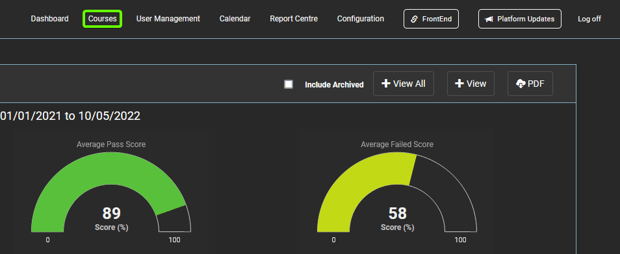
1.After logging in to the "Administration" site, select the "Courses" tab
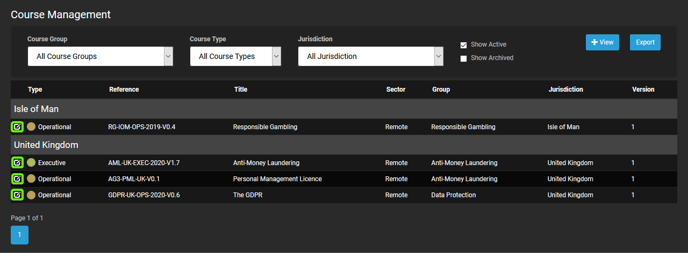
2. From here, select the course you wish to change the Course Dates for
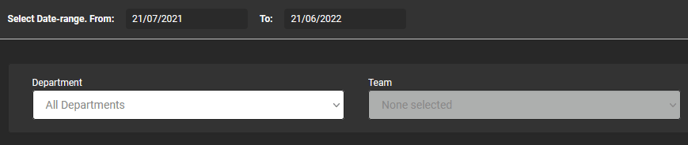
3. Before selecting, you can filter down the user list to amend via the filters provided
4. Once in the selected course, select the "Edit Completion Dates" button. If this button does not appear, please get in touch with your account manager to add to your portal.

5. Once on the "Edit Completion Dates" page, you can select / deselect user based on your requirements.

6. You can amend details as follows:
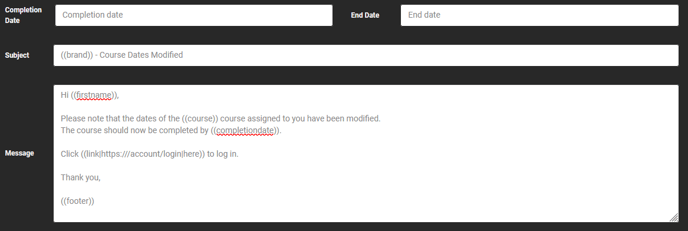
- Completion Date: set as the date you want the user to complete the course by
- End Date: set as when you want the user's access to the content to stop - this is normally set well in advance so that the user can access content after the completion date has expired
- Message Body: used as the notification being sent to the selected user via email.
- "Send Confirmation Email": for alerting the user via email of the amendments.
5. Click "Update" to confirm the amendments to Course Dates. If you've selected "Send Confirmation Email" this button will display "Update and Email"