![MetisLogo_Filled_Short.png]](https://www.metis.support/hs-fs/hubfs/MetisLogo_Filled_Short.png?height=50&name=MetisLogo_Filled_Short.png)
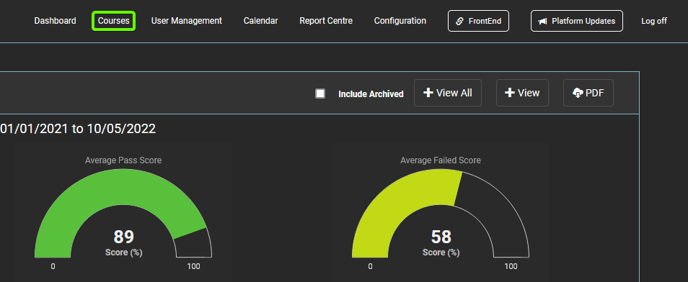
1. After logging in to the "Administration" site, select the "Courses" tab located in the top navigation bar.
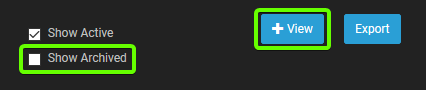
2. From this tab, select "Show Archived" and then "View" within the filters section.
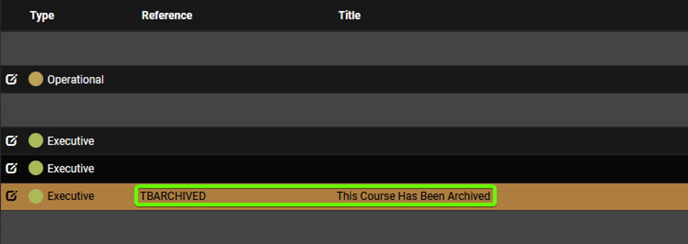
3. Once filtered, select the course that you wish to assign users from. Archived courses will be marked in an orange banner with active courses in a dark colour.
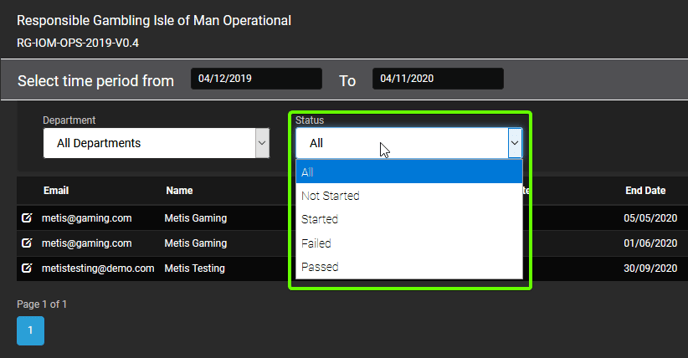
4. After selecting your course, change the "Status" to "Not Started" and then click "View".
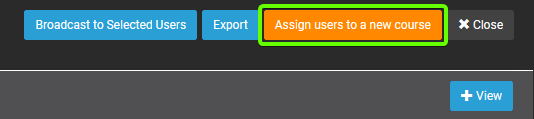
5. Once filtered, click "Assign users to new course".
6. From here, select the new course you want to assign to users from the dropdown, and input your Completion and End Dates. Further information on assigning courses can be found here.
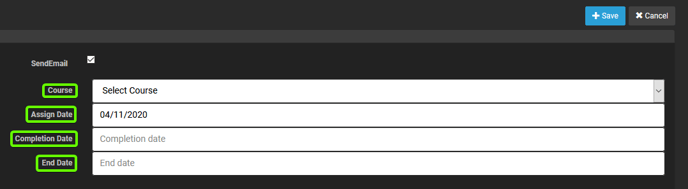
7. Once course and dates have been selected, select "Save".