![MetisLogo_Filled_Short.png]](https://www.metis.support/hs-fs/hubfs/MetisLogo_Filled_Short.png?height=50&name=MetisLogo_Filled_Short.png)
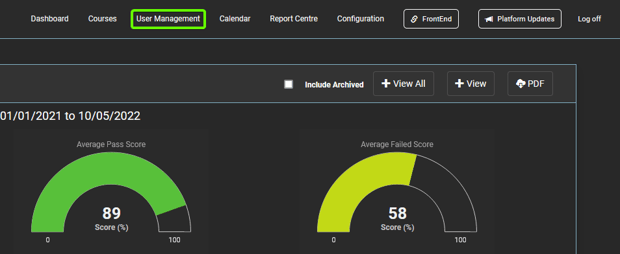
1. After logging in to your "Administration" site, select the "User Management" tab.
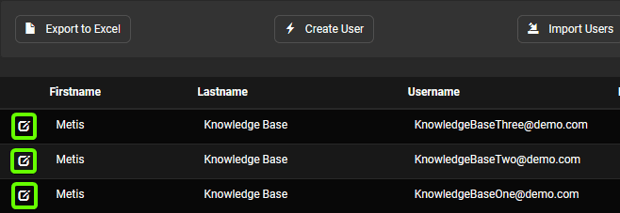
2. Once here, select the user you want to assign Brand Admin rights to.
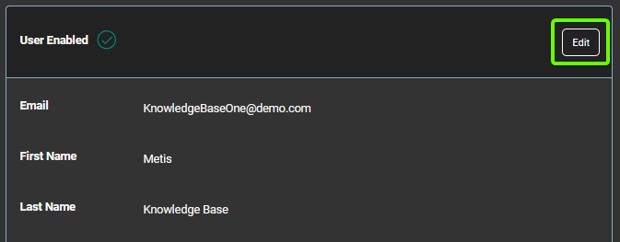
3. Once in the users profile, select "Edit".
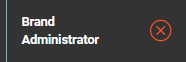
3. Tick the "Brand Administrator" tick box before selecting "Update", this will turn the red cross into a green tick.