![MetisLogo_Filled_Short.png]](https://www.metis.support/hs-fs/hubfs/MetisLogo_Filled_Short.png?height=50&name=MetisLogo_Filled_Short.png)
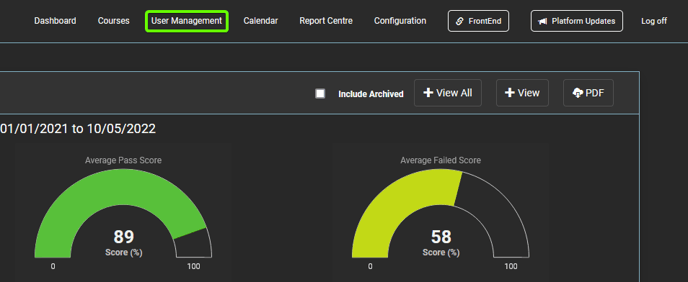
1. After logging in to the "Administration" site, select the "User Management" tab.
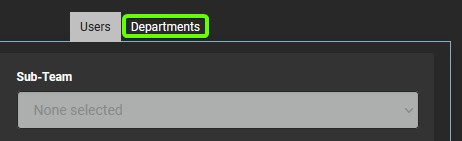
2. Once on the "User Management" tab, select "Departments" from the middle navigation.
3. Select the Department you wish to add a Team to.
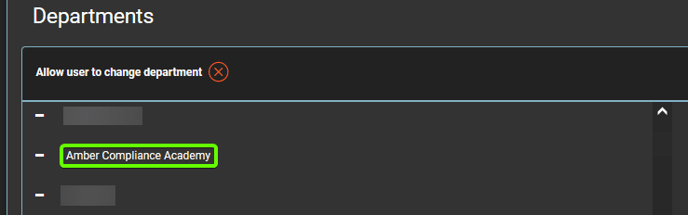
3a. If you've not already created your department, please see the following guide.
4. Select "Create Child Group" located under the selected department.
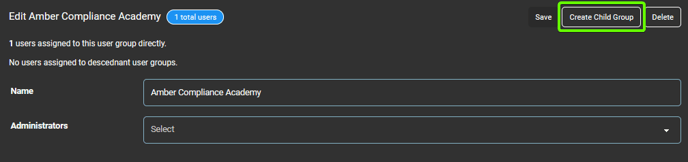
5. Fill in the text box provided with your team name.
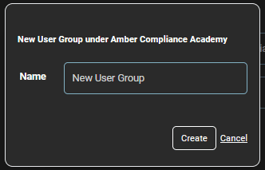
6. Click "Create" to create your team.
7. To add a Sub-Team, complete the same process under your specific Team.