![MetisLogo_Filled_Short.png]](https://www.metis.support/hs-fs/hubfs/MetisLogo_Filled_Short.png?height=50&name=MetisLogo_Filled_Short.png)
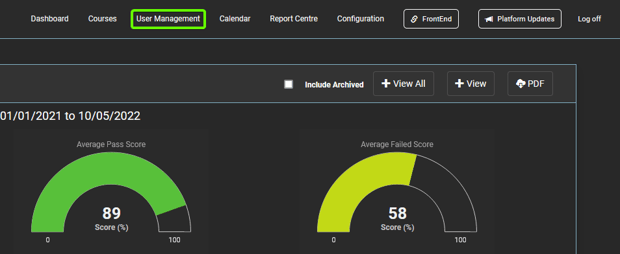
- After logging in to the “Administration” site, select the “User Management” tab located in the navigation bar.
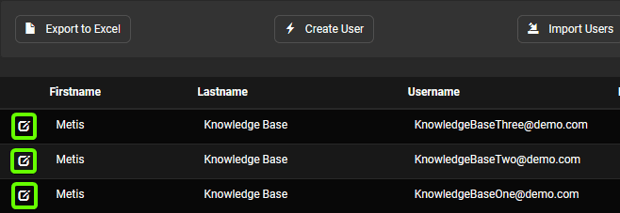
- Once in the “User Management” tab, select the account you wish to disable.
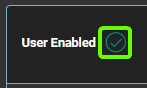
- Once in the user’s profile, click the tick located next to the users name. The tick will change from a green tick to a red cross, alerting you that you have disabled the selected user.
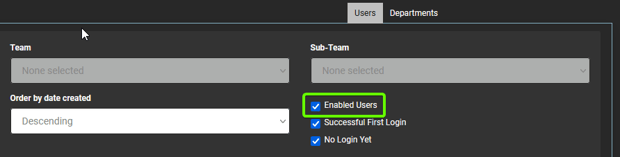
- You can view the disabled accounts by returning to the “User Management” tab and unselecting the “Enabled Users” filter.