![MetisLogo_Filled_Short.png]](https://www.metis.support/hs-fs/hubfs/MetisLogo_Filled_Short.png?height=50&name=MetisLogo_Filled_Short.png)
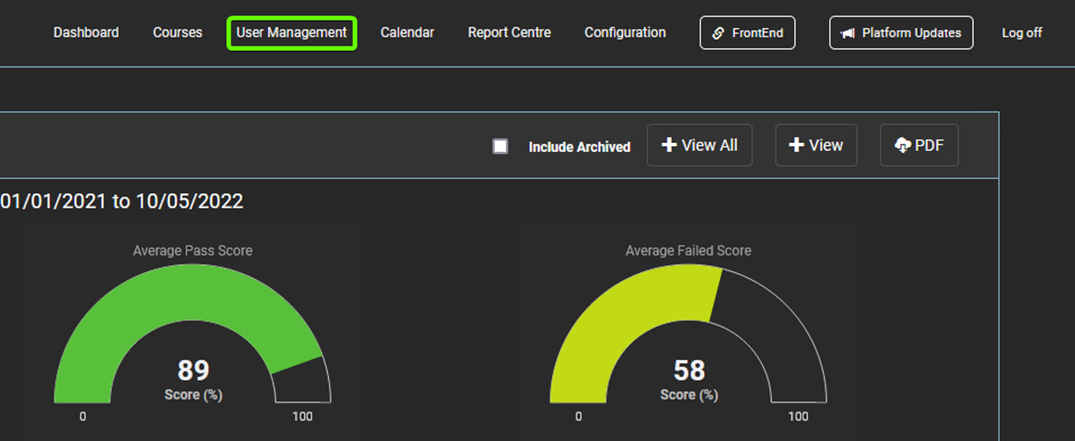
- After logging in to the “Administration” site, select the “User Management” tab located in the navigation bar.
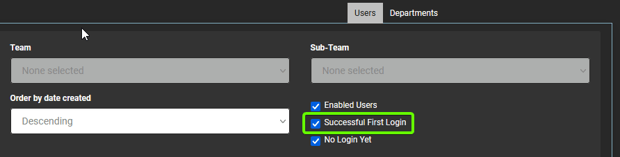
- Once on the “User Management” tab, untick the checkbox labelled “Successful First Login”.
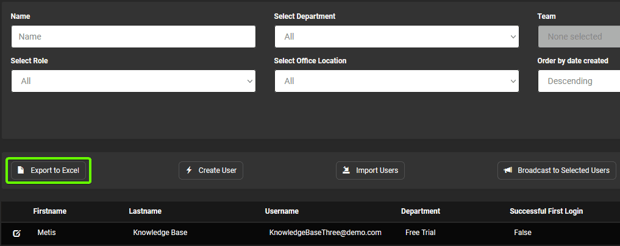
- To export the users that have not yet logged in, select the “Export” button located below the top navigation.