![MetisLogo_Filled_Short.png]](https://www.metis.support/hs-fs/hubfs/MetisLogo_Filled_Short.png?height=50&name=MetisLogo_Filled_Short.png)
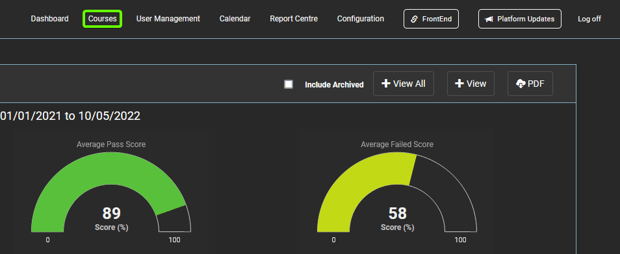
- After logging in to your "Administration" site, select the “Courses” tab located in the top navigation.
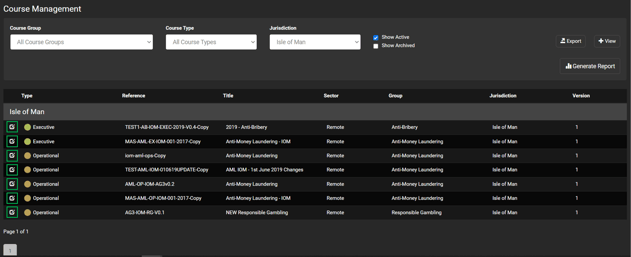
- Once on the “Courses” tab, select the specific course you require data on.
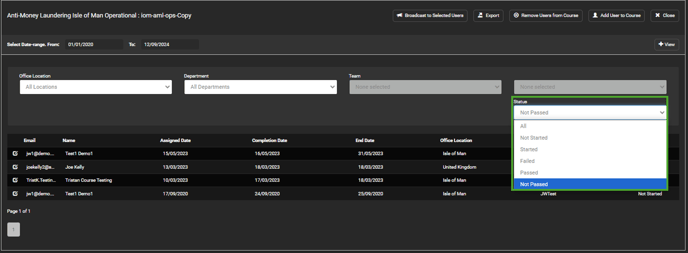
- While on your selected course, you can apply filters relevant to your requirements including department, status and time period. For this select the "Not Started" option in the "Status" filter.
- Once your filters are set up, apply them to the database by clicking the '+ View' button.
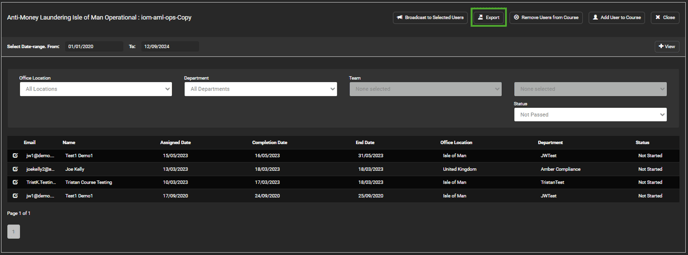
- Select "Broadcast to Selected Users" to message all filtered users. For further guidance on messaging select users, please use the following link.
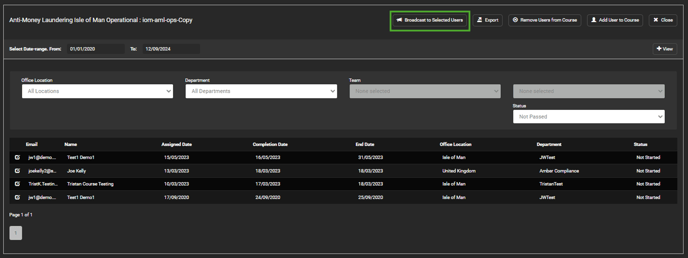
- From here, you can export the data to an Excel file by selecting “Export”.