![MetisLogo_Filled_Short.png]](https://www.metis.support/hs-fs/hubfs/MetisLogo_Filled_Short.png?height=50&name=MetisLogo_Filled_Short.png)
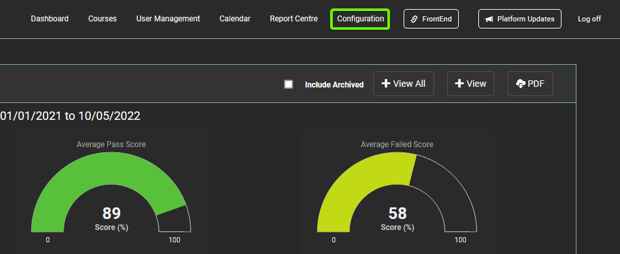
1. After logging into your "Administration" site, select the "Configuration" tab.
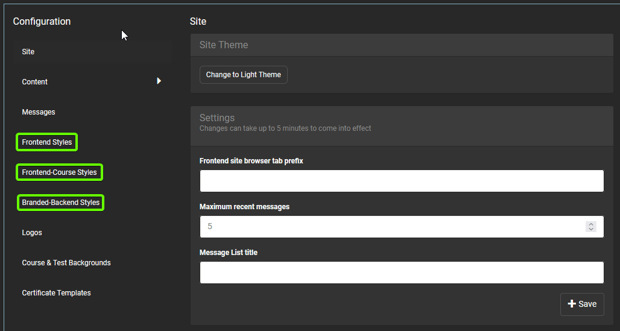
2. To make changes to your front-end site only, select "Frontend Styles". Alternatively, you can select "Branded Back-end Styles" to make changes to your "Administration" site only.
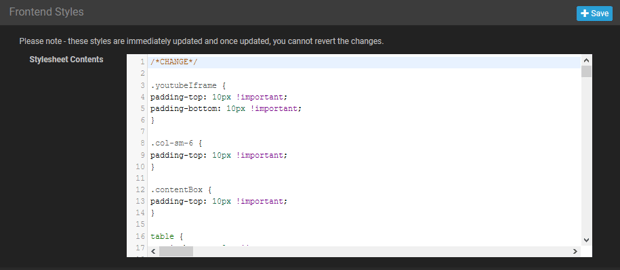
3. Once in your selected stylesheet, you can make your required changes to the CSS code.
4. Alternatively, if you are unable to make the changes in CSS format, please get in touch with your Compliance Academy Relationship Manager for assistance.