![MetisLogo_Filled_Short.png]](https://www.metis.support/hs-fs/hubfs/MetisLogo_Filled_Short.png?height=50&name=MetisLogo_Filled_Short.png)
Please note, this is not a standard feature on your administration site.
To get this functionality added to your administration site, please get in touch with your account manager.
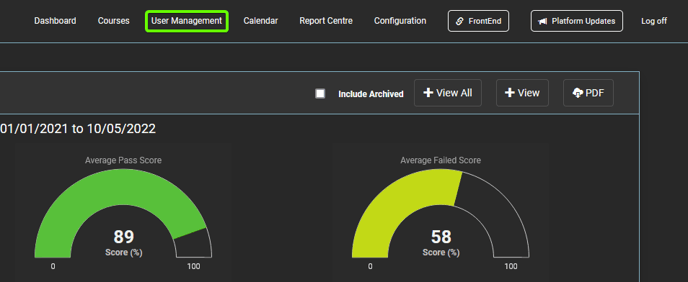
1. After logging in to the "Administration" site, select the "User Management" tab.
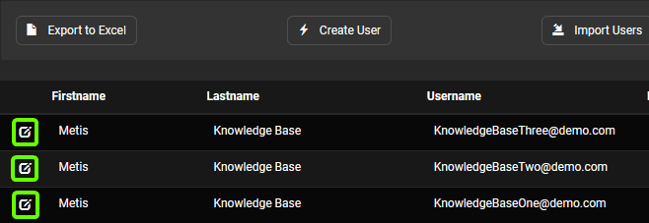
2. From here, select the user’s profile who you'd like to remove a course from.
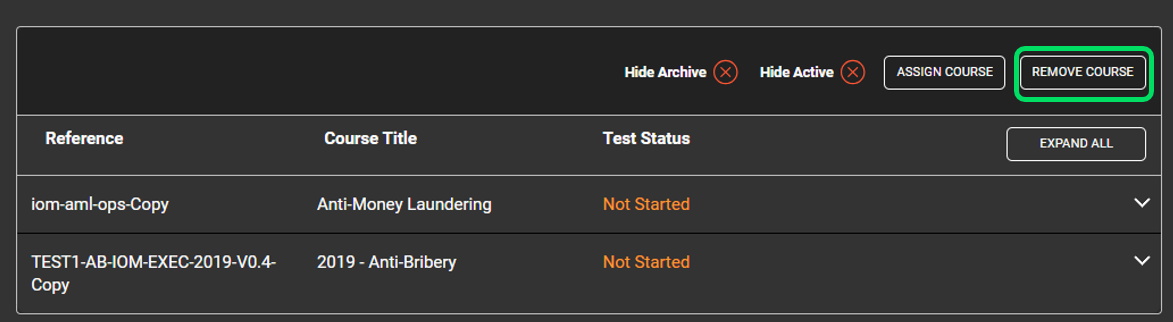
3. Once in the user’s profile, select "Remove Course".
4. Select the course you would like to remove from the "Course" dropdown.
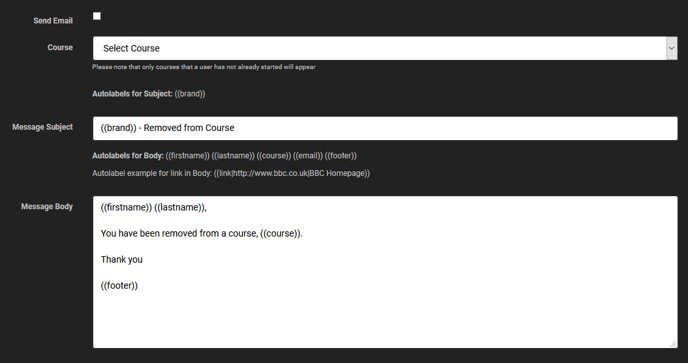
5. Once complete, select "Save" to remove the users from the course.