![MetisLogo_Filled_Short.png]](https://www.metis.support/hs-fs/hubfs/MetisLogo_Filled_Short.png?height=50&name=MetisLogo_Filled_Short.png)
Please note, this post assumes you have read the "how do I upload media" article also within the Knowledge Base. If you have not, we would advise reading the following link before continuing.
1.After logging in to your "Administration" site, select the "Configuration" tab.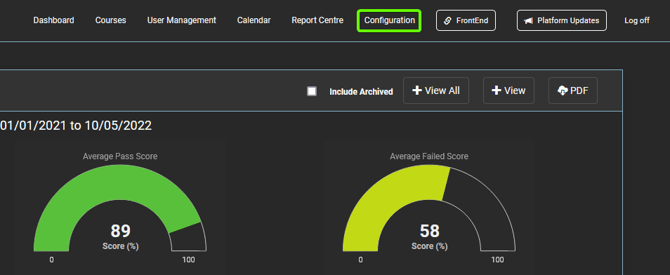
2. Once on the configuration tab, select "Media" from the side menu.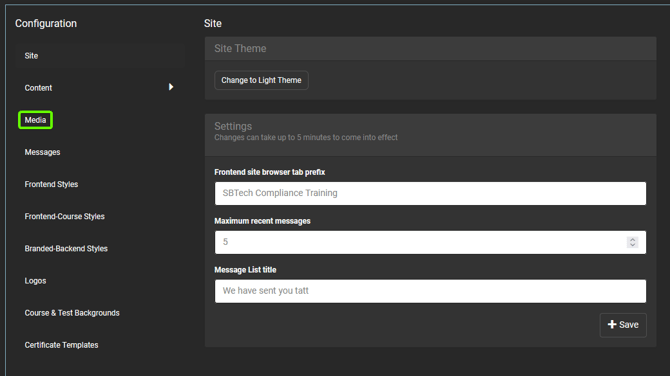
3. Find the media file you are wanting to remove from your site. Once located, click the "Remove" button as displayed.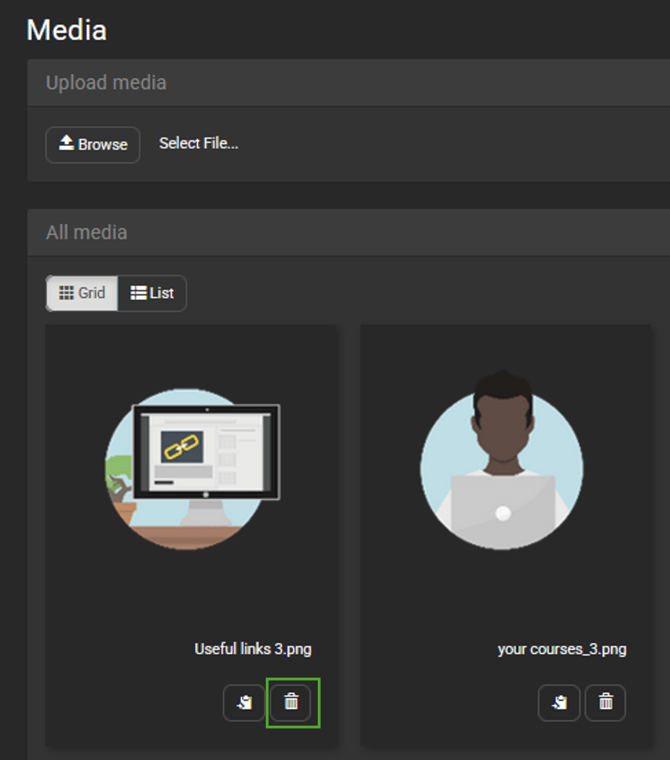
4. Once selected , please wait a few moments and the file will be removed from your site.