![MetisLogo_Filled_Short.png]](https://www.metis.support/hs-fs/hubfs/MetisLogo_Filled_Short.png?height=50&name=MetisLogo_Filled_Short.png)
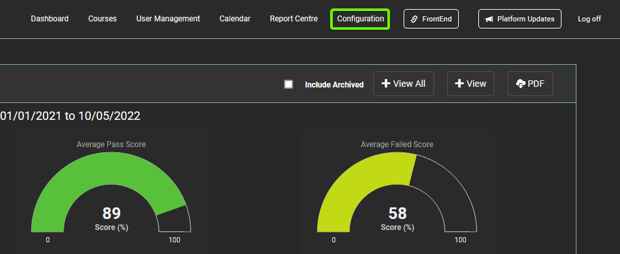
1. After logging into your "Administration" site, select the "Configuration" tab.
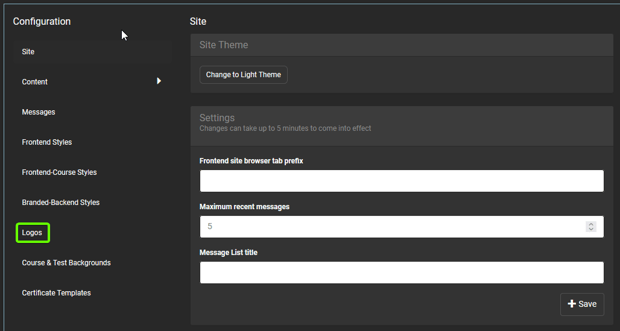
2. Select "Logos", located in the side navigation bar.
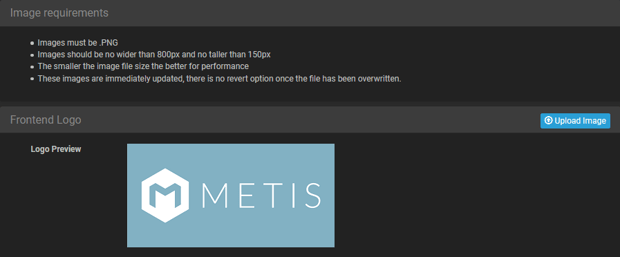
3. From here, you can upload logos into the following three sections:
- "Frontend Logo" which will be shown across all user profiles.
- "Backend Logo" which will update the logo only within your administration site.
- "Certificate Logo" which will be shown across all certificates for front-end users, including certificates they have previously received on their profiles.